A little more you,
on paper.
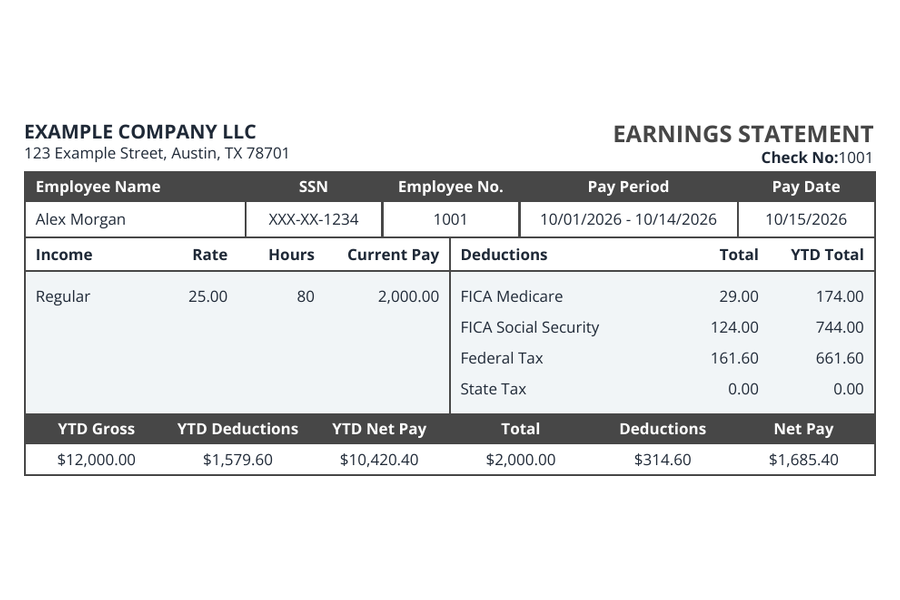
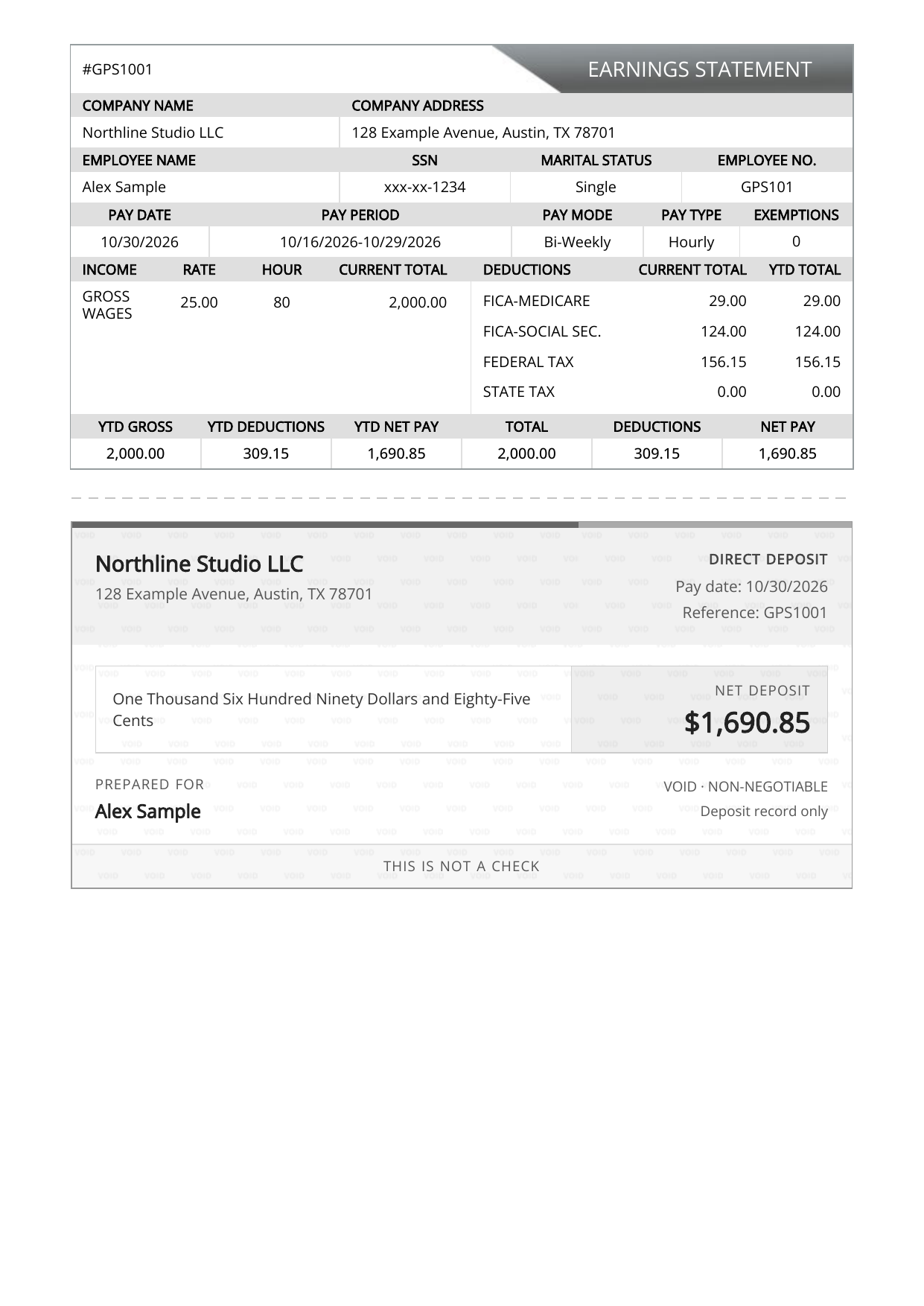
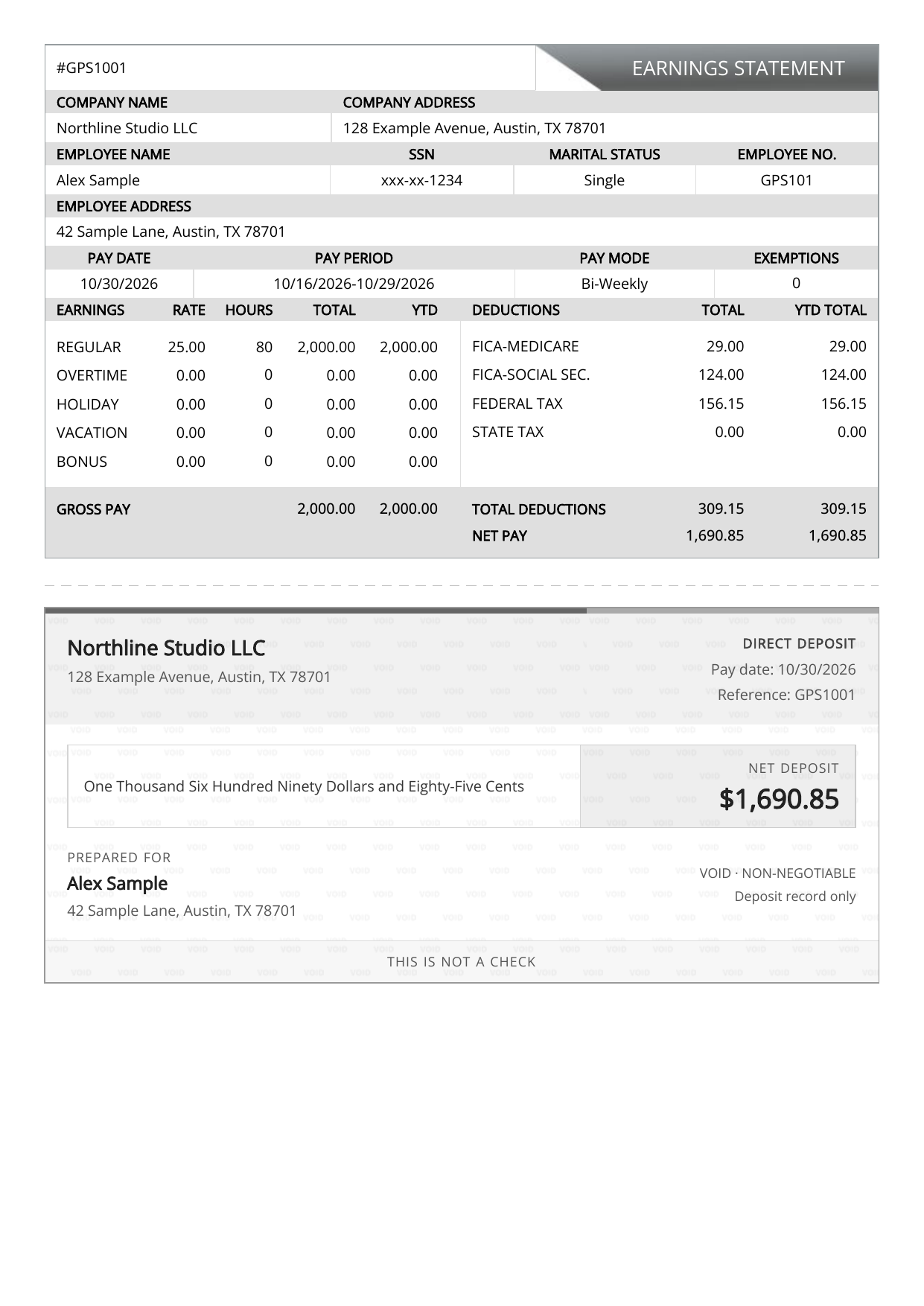
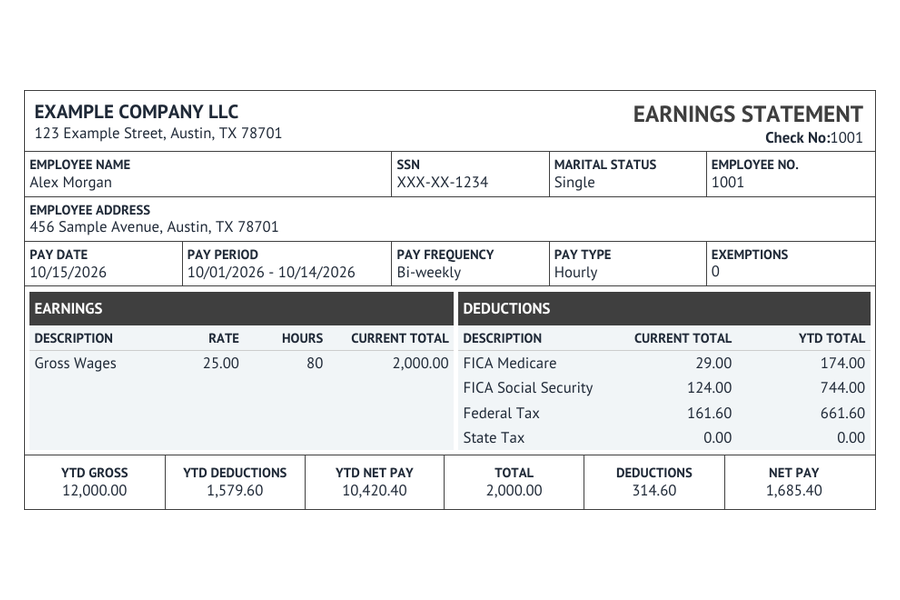
Find a layout that feels right. Explore the available colors, fonts, and display options, then preview every pay period.
Give your hard work a clear paper trail. Bring your payroll details together in a pay stub that’s organized, polished, and easy to read.
Start with the six-design maker, or return to the familiar Regular and Enhanced live builders. Choose the workspace that feels right for your records.
Find a layout that feels right. Explore the available colors, fonts, and display options, then preview every pay period.
Choose Regular or Enhanced to continue with the builder you already know.
The familiar calculator for a straightforward earnings statement.

Your familiar calculator, with more room for the extra details.

Prices are in USD. Optional deposit slips and additional pay stubs are shown in your order total before checkout.
Bring forms, hiring letters, and payroll estimates together in one useful toolkit.
Explore 40 builders for tax forms, employment documents, and invoices.
Choose from four designs to set out the role, pay, and agreed terms.
Estimate take-home pay and payroll taxes, with a breakdown you can follow.
Explore take-home pay and payroll tax estimates, with a breakdown you can follow.
Your state. Your pay period. A clearer view of the figures.
Gather your employer and employee details, pay dates, earnings, and deductions from your payroll records.
Preparation checklistEnter your details, check the preview, and compare the dates and amounts with your records before checkout.
Open Pay Stub MakerComplete checkout and download your PDF. Keep the file and your private order link so you can return later.
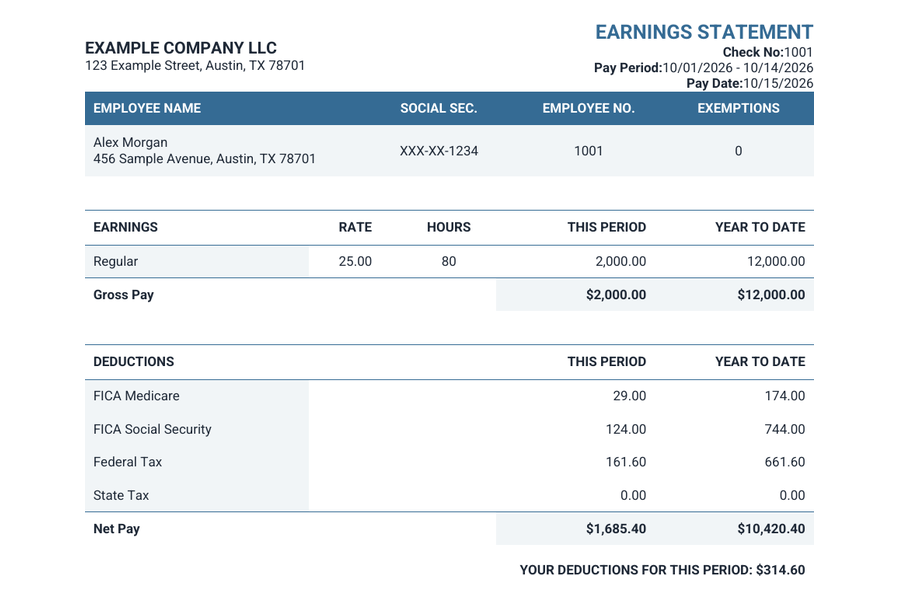
Find an existing orderA useful pay stub is easy to follow. See who was paid, which period the pay covers, what was earned, and which deductions were applied.
Generate Pay Stub puts those details into a consistent document format, ready for you to review and keep with your records.
Get to know your pay stubExplore the clear, practical guide.Sample figures in USD.
Practical guidance for the details you’ll enter and the document you’ll download.
A few helpful answers before you get started.
Choose Pay Stub Maker for six designs and available style options. Regular and Enhanced are the familiar live calculators: Regular covers the core payroll details, while Enhanced has more room for additional earnings and employee address details.
Compare your optionsYes. Enter your information and review the preview before checkout. Check names, pay periods, earnings, deductions, and net pay against your payroll records.
Open Pay Stub MakerPay Stub Maker starts at $3.99 USD per pay stub. Regular is $4.99 USD and Enhanced is $7.99 USD per pay stub. Additional stubs and optional deposit slips affect the total, which you can review before checkout.
Explore designs & pricingAfter payment, use the PDF download or print option on your order page. Save your finished document and your private order link for later.
The document is created from the information you enter. Generate Pay Stub does not independently verify employment, certify income, or guarantee acceptance by another organization. Use accurate details from genuine records.
Use the private order link in your confirmation email, or visit Find an existing order. If you need help, contact support using the email address associated with your purchase.
Find an existing orderPreview first. Purchase when you’re ready.